✨ Private, free résumé builder — no account required
The résumé that opens doors
Build a professional résumé in under five minutes with six templates designed for real hiring workflows.
6Professional templates
<5 minFrom editing to PDF
FreeNo hidden payment
A4Selectable-text PDF
Three steps. No account. No catch.
Focus on your experience while CreaCV handles the layout.
1
Choose a template
Six layouts for classic, modern, executive and creative profiles.
2
Edit live
Enter your details in the side panel and see every change immediately.
3
Save as PDF
Export an A4 PDF with selectable text for better ATS compatibility. No watermark.
Six distinctive templates
Choose the layout that fits your profile, then preview and edit it live.
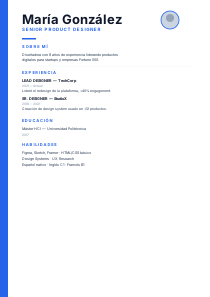
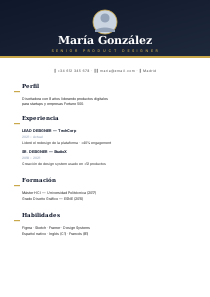
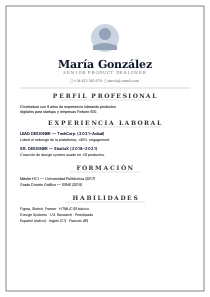
Atlas
Gratis · Clásico atemporal
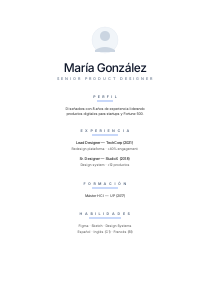
Vega
Gratis · Moderno y limpio
Nimbus
Gratis · Minimalista sereno
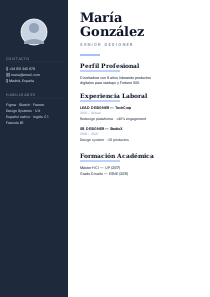
Kronos
Gratis · Ejecutivo senior
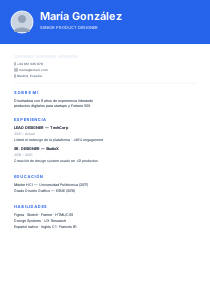
Polar
Gratis · Startup dinámico
Onix
Gratis · Elegancia premium
Frequently asked questions
Clear answers about privacy, pricing and PDF quality.
Is it really free?
Yes. All six templates are free, with no watermark and no account required.
Do I need an account?
No. Your résumé content stays in your browser and no email address is required.
Where is my information stored?
Your draft is saved locally in this browser so you can continue later. It is not sent to our server and you can delete it from the editor.
What quality is the PDF?
The browser creates an A4 PDF with selectable text, improving compatibility with automated résumé readers.
Can I add a photo?
Yes. The optional profile-photo field accepts JPG and PNG files up to 3 MB.
Résumé examples by profession
Explore structures and measurable achievements for six common profiles.
Ready for your next opportunity?
Create a clear, focused résumé for free. No registration and no watermark.